

Description
CHAPTER EIGHT: PREPARING AND DELIVERING ACADEMIC PRESENTATIONS
🖥️ Design Powerful Slides. Deliver With Impact.
🎯 TURN YOUR IDEAS INTO UNFORGETTABLE PRESENTATIONS
A great presentation isn’t just about what you say — it’s about how you say it, what your audience sees, and how your technology supports your message. This chapter gives you the complete toolkit to plan, design, and deliver academic presentations that inform, persuade, and inspire.
✨ WHAT YOU’LL MASTER
🔹 The Anatomy of an Effective Presentation
Learn the three essential components:
Spoken Content — your words, explanations, and stories
Visual Aids — slides, images, charts, and videos
Non-Verbal Communication — body language, eye contact, and voice modulation
🔹 Planning With Purpose
Master the 8-step planning process — from identifying your topic and audience to building a structured outline with a hook, thesis, well-supported body points, and a strong conclusion.
🔹 Multimedia Platforms
Compare the three most popular platforms:
Microsoft PowerPoint — reliable offline, animations, speaker notes
Google Slides — real-time collaboration, auto-save to Google Drive
Canva — modern templates, drag-and-drop design, professional-looking slides in minutes
🔹 Design Principles That Work
Master the Rule of Six, colour contrast, font sizes (titles 32–40pt, body 24–28pt), alignment, consistency, and visual appeal. Learn to make slides that support your message — not compete with it.
🔹 Using Visual Aids Effectively
Discover when and how to use:
Charts and graphs — bar charts for comparison, line graphs for trends, pie charts for parts of a whole
Photos — real-world context
Diagrams — step-by-step processes
Videos — brief clips (under 30 seconds) for demonstrations
🔹 Technical Preparation
Learn the 7 considerations for using multimedia devices — device compatibility, audio/visual clarity, backup plans, venue setup, and time management.
🔹 Presenting Project Proposals and Reports
Master the art of converting written proposals and reports into compelling visual summaries that secure funding and communicate results with clarity.
📖 WHAT’S INSIDE
Section What You’ll Learn
What is an Academic Presentation? Definition, components, and the power of multimedia
Purposes To inform, persuade, analyse, demonstrate understanding, and report findings
Planning Steps 8-step framework from topic selection to outline creation
Multimedia Platforms PowerPoint, Google Slides, and Canva — features and access guides
Design Principles Simplicity, consistency, readability, and visual appeal
Using Visual Aids Charts, photos, diagrams, and videos with practical guidelines
Technical Considerations Device compatibility, backup plans, venue setup, and time management
During the Presentation 8 guidelines for delivery, transitions, and audience engagement
Project Proposals & Reports Converting written documents into visual presentations
Practice Activities Slide creation, platform exploration, and report conversion
🎓 PERFECT FOR:
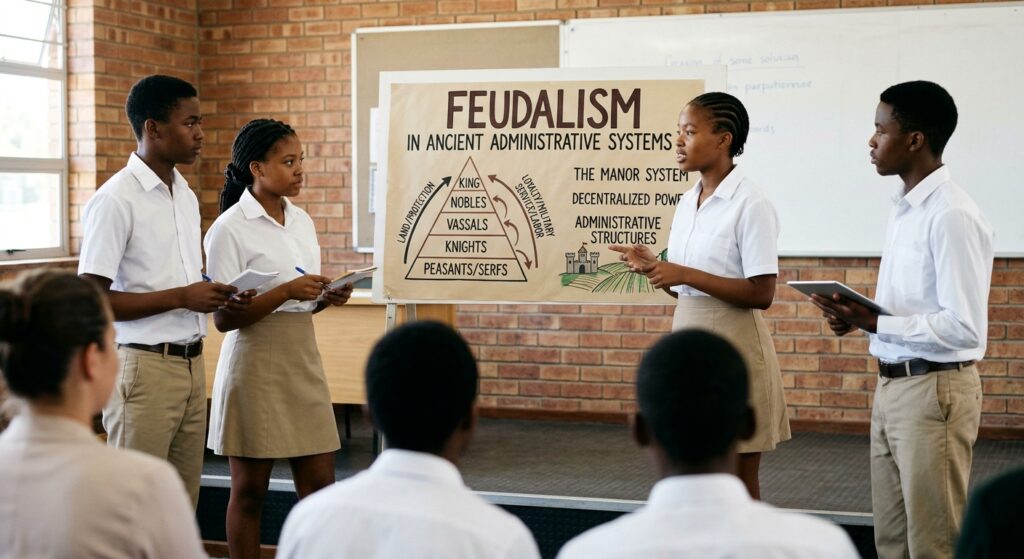
✅ Students preparing for classroom presentations, debates, and project defences
✅ Form Six candidates presenting research and project proposals
✅ University students delivering academic papers and seminars
✅ Professionals pitching proposals and reporting project outcomes
✅ Anyone who wants to design slides that look professional and deliver with confidence
💡 KEY FEATURES
Platform comparison table — PowerPoint vs. Google Slides vs. Canva
Design guidelines — Rule of Six, font sizes, colour contrast, and alignment
Step-by-step creation guide — 7 steps from objectives to rehearsal
Project proposal and report presentation frameworks
Practice activities for every platform and concept
Quick reference summary — at-a-glance tables for every key concept
📈 YOUR PRESENTATION JOURNEY STARTS HERE
By the end of this chapter, you will be able to:
✔️ Plan and structure a compelling academic presentation
✔️ Choose the right multimedia platform for your needs
✔️ Design slides that are clear, consistent, readable, and visually appealing
✔️ Use charts, photos, diagrams, and videos effectively
✔️ Prepare for technical challenges with backup plans
✔️ Deliver with confidence, enthusiasm, and clear transitions
✔️ Convert project proposals and reports into powerful visual presentations
🛒 GET YOUR COPY TODAY
Don’t just present — captivate.
Whether you’re defending a project, teaching a class, or pitching an idea, this chapter gives you the design skills and delivery techniques to make every presentation count.
📚 MITIHANI POPOTE
Quality educational resources wherever you are.
© MITIHANI POPOTE | Quality educational resources wherever you are.


Reviews
There are no reviews yet.